
Black Friday is one of the biggest shopping days of the year and it’s your chance to boost sales, attract new customers, and grow your brand. But success doesn’t happen overnight.
You need to prepare ahead, optimize your website, and deliver a smooth shopping experience that keeps customers coming back.
In this blog, you’ll learn simple, practical steps to get your website ready for Black Friday and how SalesUnbox can help you track and improve your results.
Why You Should Prepare Ahead
Black Friday brings huge traffic spikes. If your website isn’t ready, it could slow down, crash, or turn shoppers away.
Preparing early helps you:
- Identify and fix website issues before the rush.
- Plan your marketing campaigns and email promotions.
- Stock enough products to meet the demand.
- Give your customers a smooth, enjoyable shopping experience.
Pro Tip: Use SalesUnbox to track customer behavior and find out which pages or deals attract the most clicks so you can focus your efforts where they matter most.
Optimize Your Website Speed
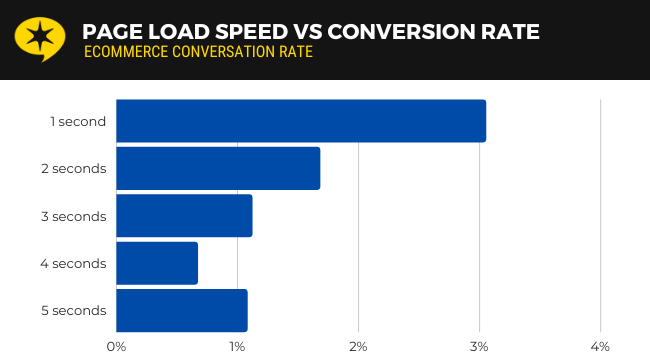
When your website is slow, customers leave. A page that takes more than 3 seconds to load can lose nearly 40% of visitors.
How to Improve Speed:
- Compress product images without losing quality using tools like TinyPNG.
- Use a CDN (Content Delivery Network) to deliver content faster worldwide.
- Remove unnecessary plugins or code that slow down your site.
- Test your speed regularly with Google PageSpeed Insights.
Use High-Quality Product Photos (That Load Fast)
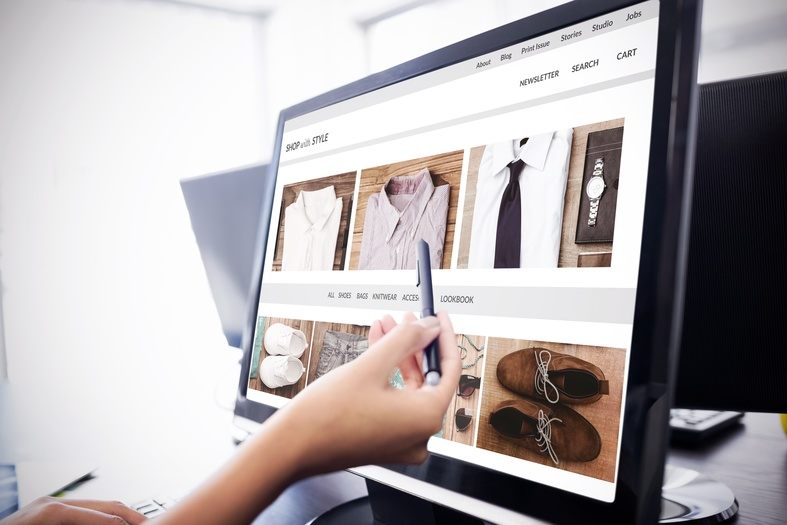
Good visuals sell but heavy image files slow down your site. You need both quality and performance.
Tips for Better Images:
- Use clear, bright, high-resolution photos.
- Save images in WebP format for faster downloads.
- Show products from multiple angles.
- Add zoom features or 360° views if possible.
Write Clear Product Descriptions
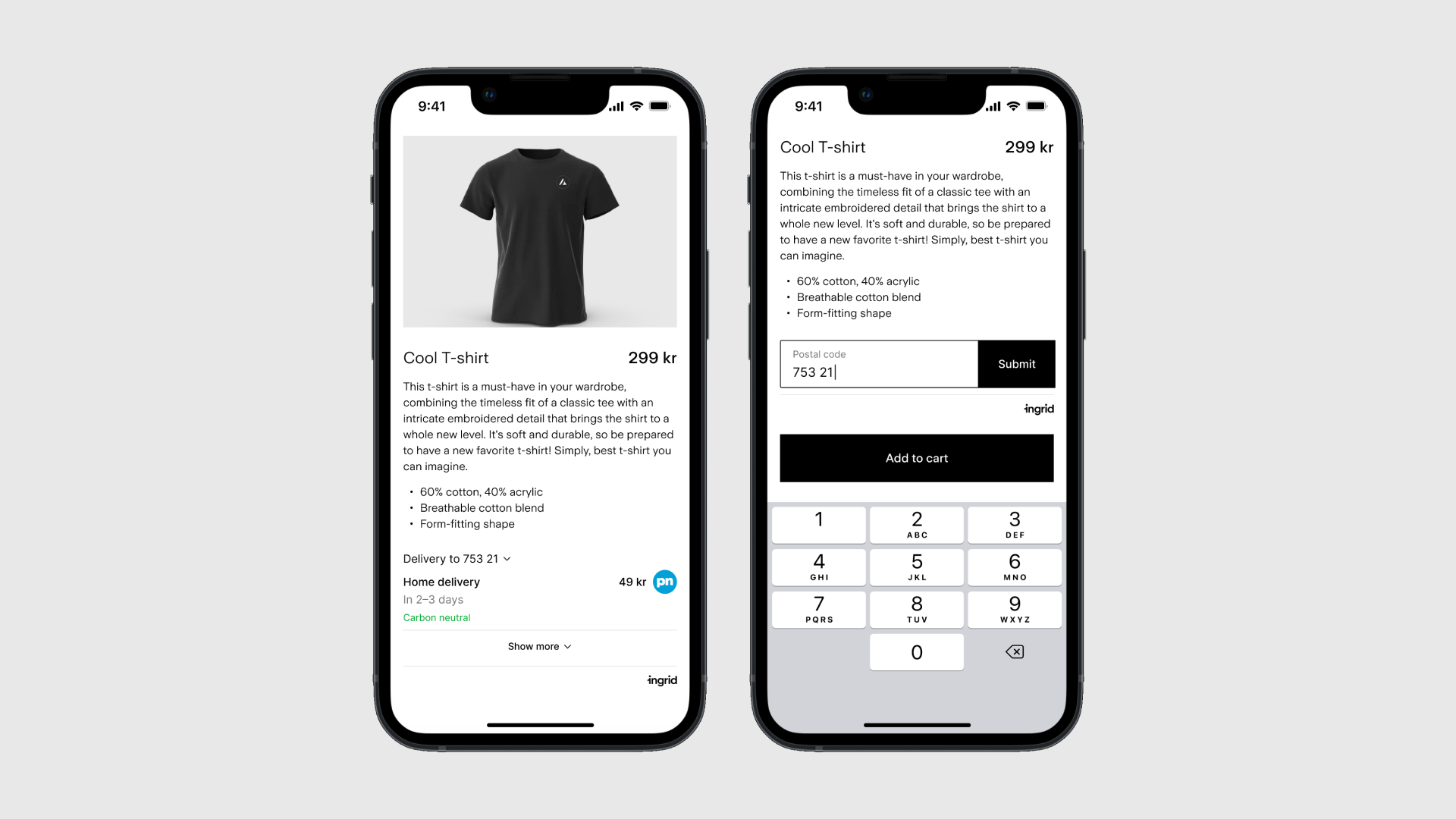
Don’t make customers guess, help them buy confidently.
Make Your Descriptions:
- Short and clear, focusing on benefits.
- Keyword-rich, including “Black Friday” and your product name (e.g., Black Friday Bluetooth Speaker Deals).
- Easy to scan with bullet points.
- Include size, color, and material details.
This also improves your SEO ranking, making it easier for shoppers to find your deals on Google.
Update Your Inventory
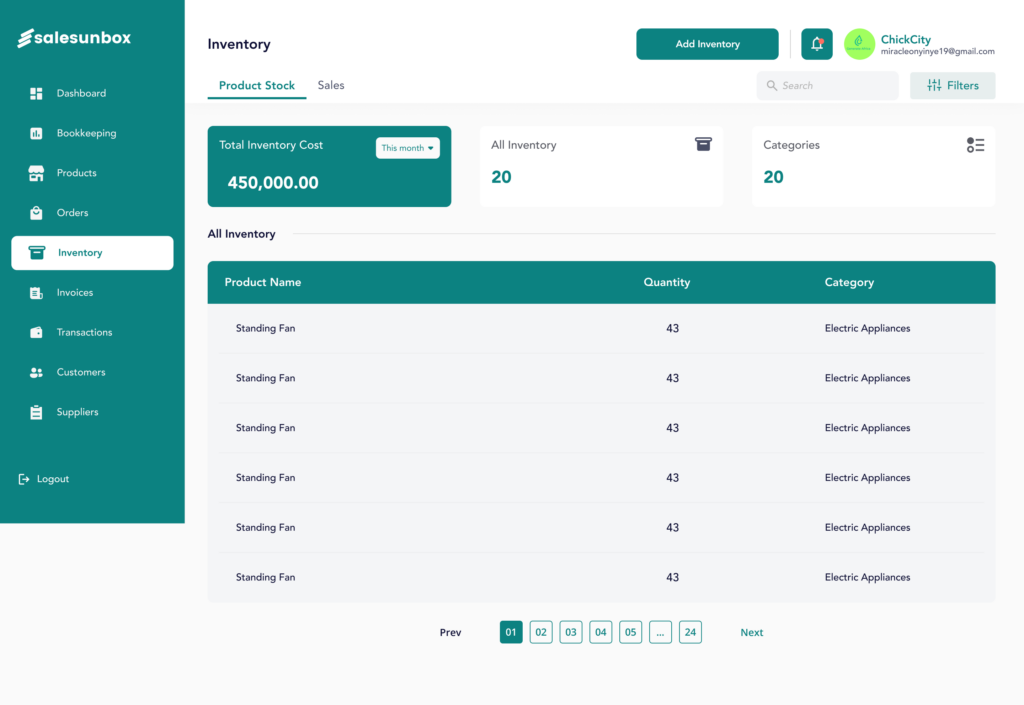
Nothing frustrates customers more than clicking “Buy Now” and finding an item out of stock.
What to Do:
- Check your stock levels ahead of time.
- Reorder popular items before the rush.
- Use SalesUnbox to monitor your inventory and restock if necessary
- Hide or mark “Out of Stock” items clearly to avoid confusion.
Send Out an Email Campaign
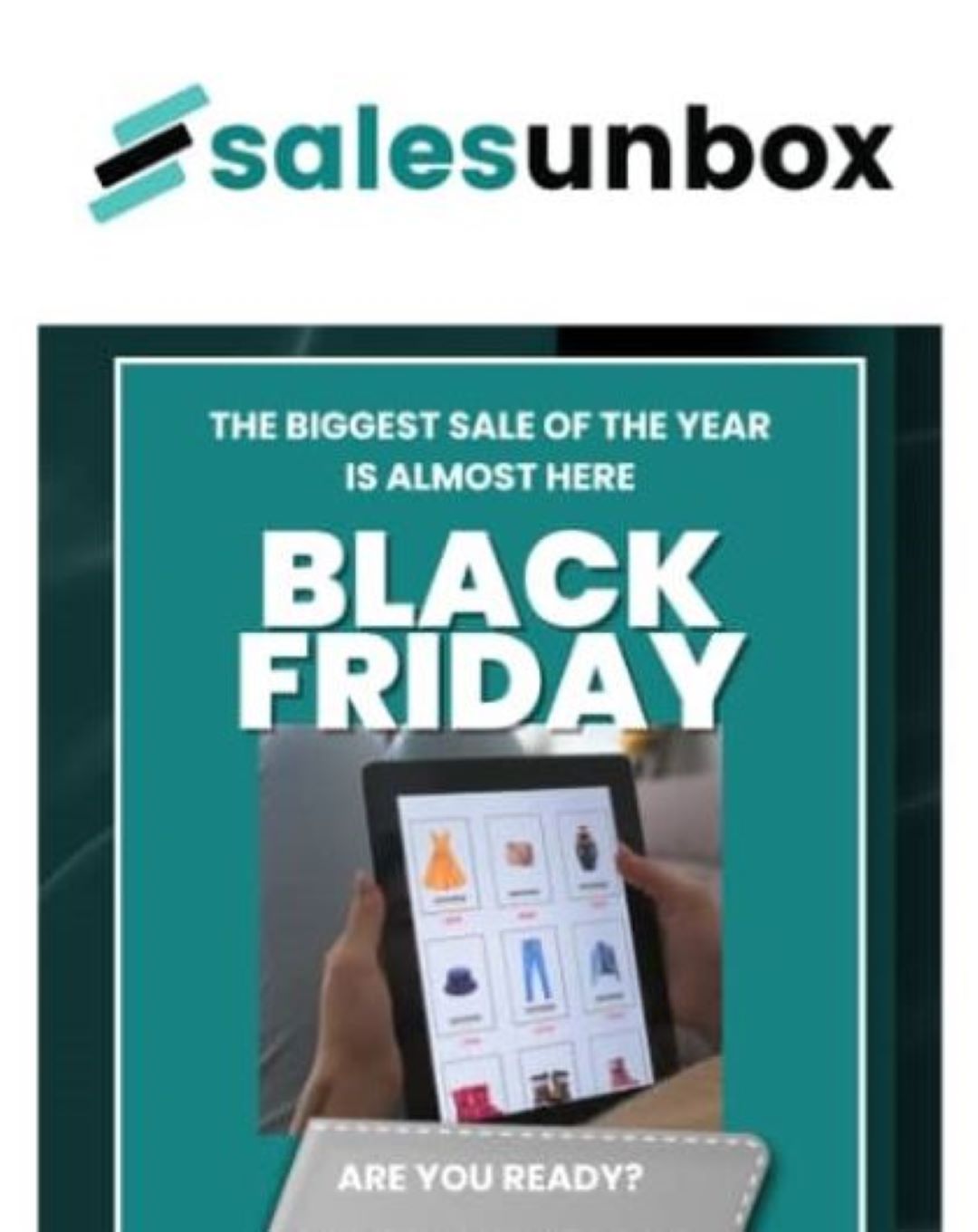
Let your customers know what’s coming! A well-timed email campaign can boost traffic and sales dramatically.
Ideas for Your Campaign:
- Announce early bird discounts or exclusive deals.
- Use catchy subject lines like “Your Black Friday Deal Starts Now!”
- Include clear CTAs (“Shop Now,” “Grab Your 50% Off”).
- Add a countdown timer to create urgency.
With SalesUnbox, you can track open rates, clicks, and sales from each email and adjust your strategy for better results.
Add Live Chat Support
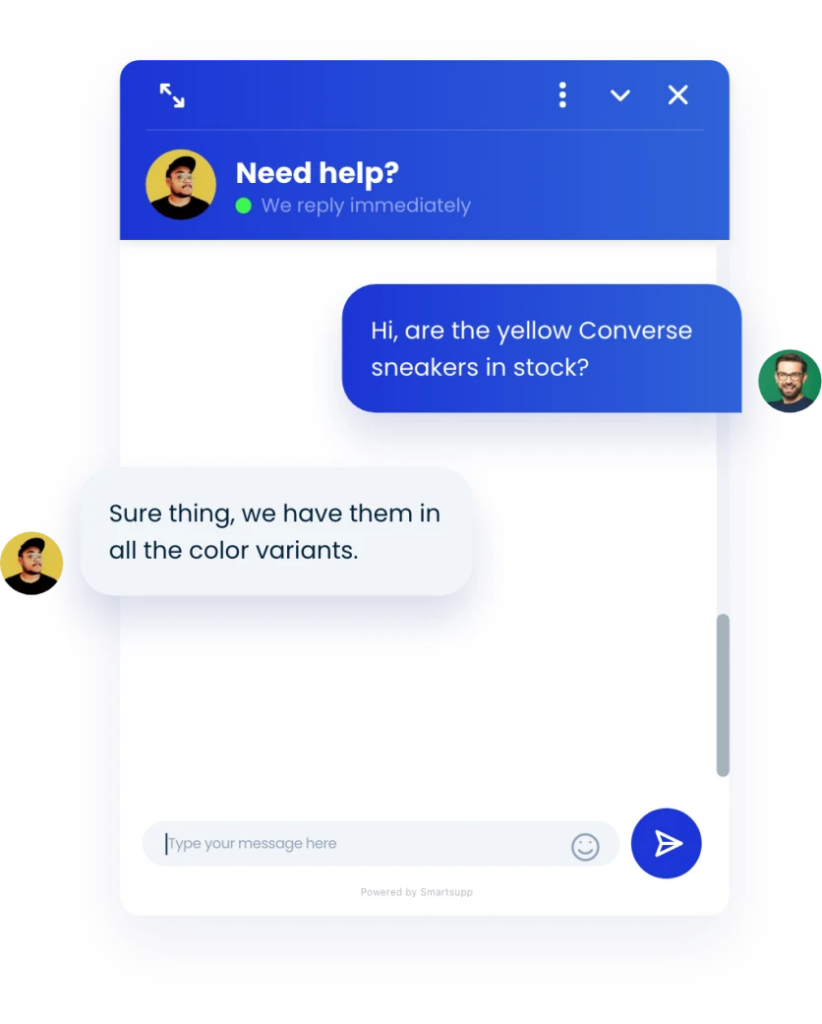
During Black Friday, shoppers have questions, lots of them. A live chat feature helps you respond instantly, prevent cart abandonment, and close more sales.
Benefits:
- Builds trust through real-time communication.
- Helps guide customers to the right products.
- Reduces refunds and complaints.
Make Checkout Seamless
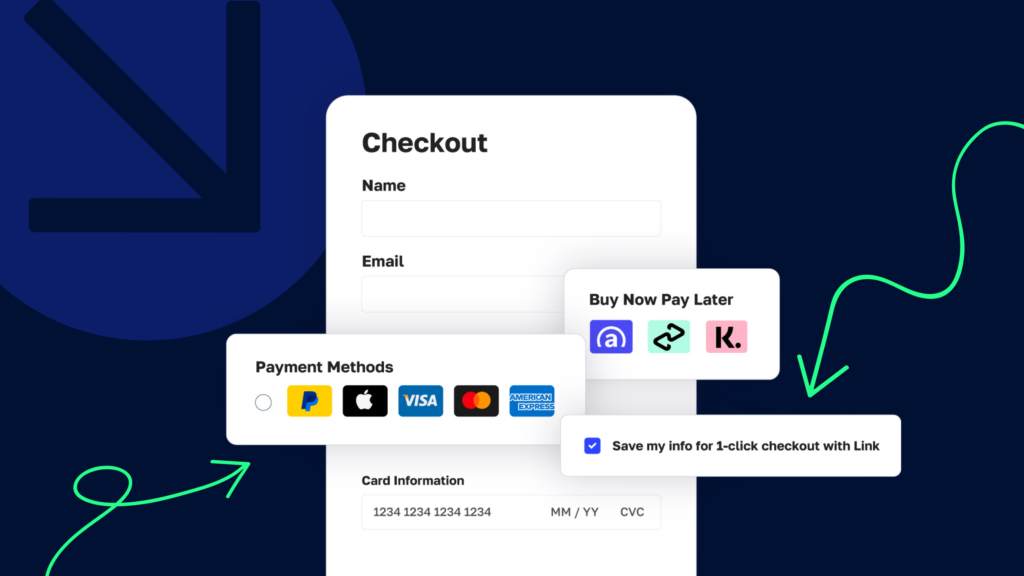
A complicated checkout process can kill a sale. Keep it simple, fast, and secure.
Checkout Best Practices:
- Offer guest checkout (no forced sign-ups).
- Include multiple payment options — PayStack, PayPal or Buy Now Pay Later.
- Keep the checkout form short (name, address, payment).
- Display security badges to build trust.
Pro Tip: Use SalesUnbox to track where customers drop off during checkout and test improvements.
Add Customer Reviews
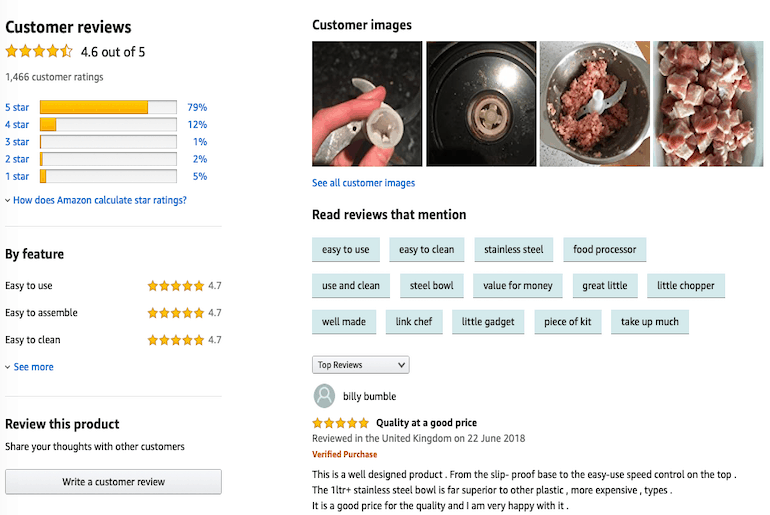
Customer reviews increase trust and boost conversions. Before Black Friday, make sure product reviews are visible and up to date.
Encourage Reviews By:
- Sending follow-up emails after purchase.
- Highlighting top-rated items on your homepage.
- Displaying star ratings and customer photos.
Positive reviews also improve your SEO, helping your products appear higher in search results.
Final Thoughts: Get Ready to Sell Big
Black Friday is your moment to shine but only if your website is ready.
By preparing early, optimizing speed and visuals, improving checkout, and using SalesUnbox for insights, you’ll create a smooth, enjoyable shopping experience that turns browsers into buyers.
Optimize today. Sell more tomorrow.
Start your 7-day free trial now and unlock the full power of SalesUnbox for only ₦5,000/month.
Leave a Reply